Take part in the meeting.
Longhand keeps the details.
Longhand is a note-taking app for meetings and conversations. You type the few words that matter to you. Longhand records the audio, and when the meeting ends it turns your short notes into a complete summary.
macOS 15 or later on Apple silicon, and Windows 10 or later, 64-bit. Free and open source.
Why it works this way
In a meeting you want to listen and talk, not type everything that is said. A few days later you need the details: what was decided, who agreed to what, and the exact numbers someone mentioned.
With Longhand your notes can stay short. The transcript holds what you did not write. The summary uses your notes to know what was important to you.
Private by design
- Audio stays on your computer.
- Recording and transcription use local speech models. Longhand marks where the speaker changes, but never tries to find out who is speaking.
- You choose the AI service.
- The summary comes from an OpenAI-compatible service that you set: a cloud service you trust, or a model you run yourself. Only your notes and the transcript go to it.
- No account, no Longhand cloud.
- There is no Longhand server and no usage data. Apart from the summary, Longhand goes online only to download speech models and check for updates.
- Your notes are plain files.
- Audio, transcripts, notes and summaries are files in a folder that you choose. Read, copy or sync them with any tool.
A meeting with Longhand
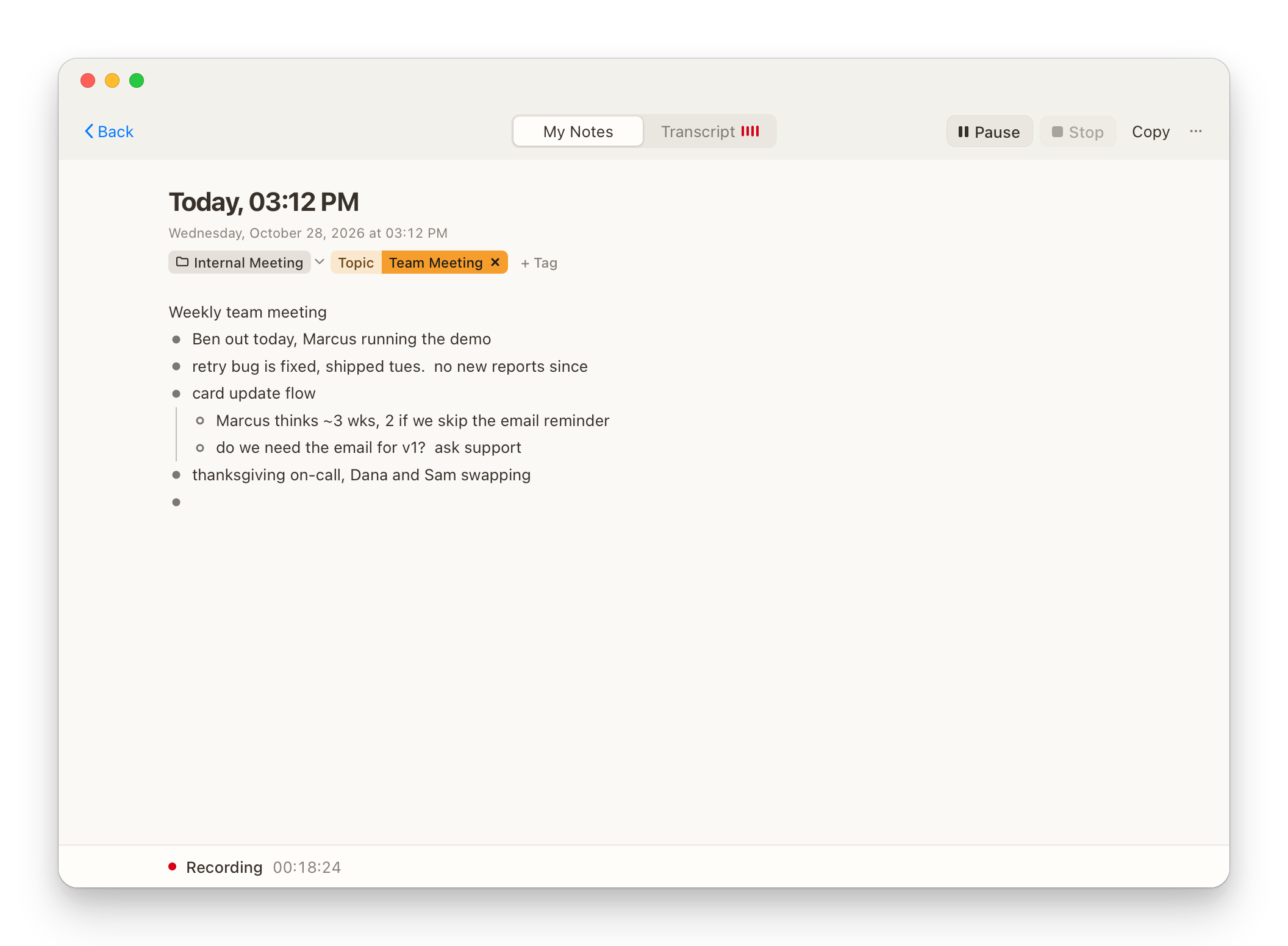
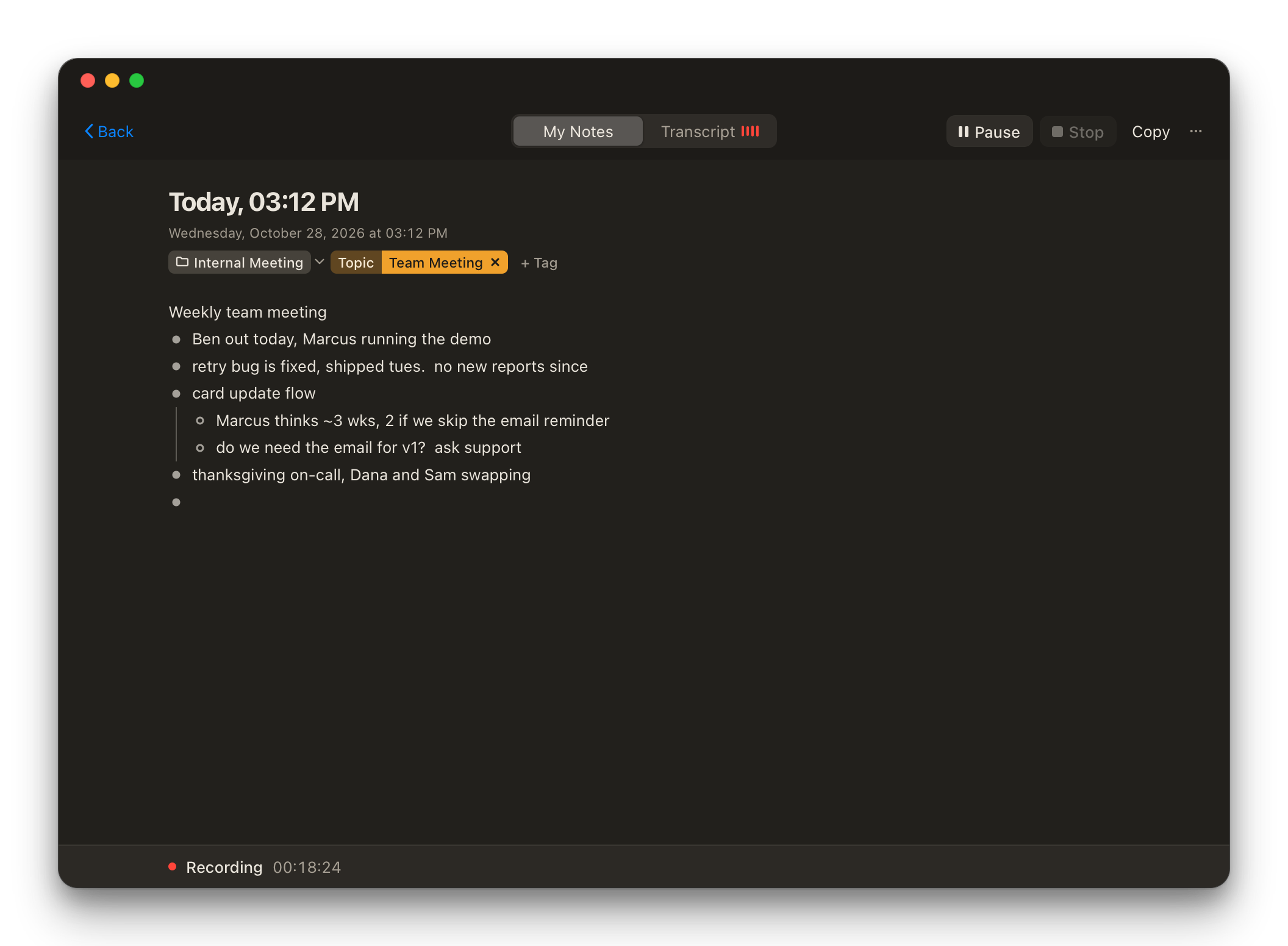
Write only what matters to you
Press the shortcut and start typing. Longhand records your microphone, and also the sound of call apps such as Zoom or Teams when you add them. The screen stays quiet, so it does not pull attention away from the people in the room.
Get the full summary
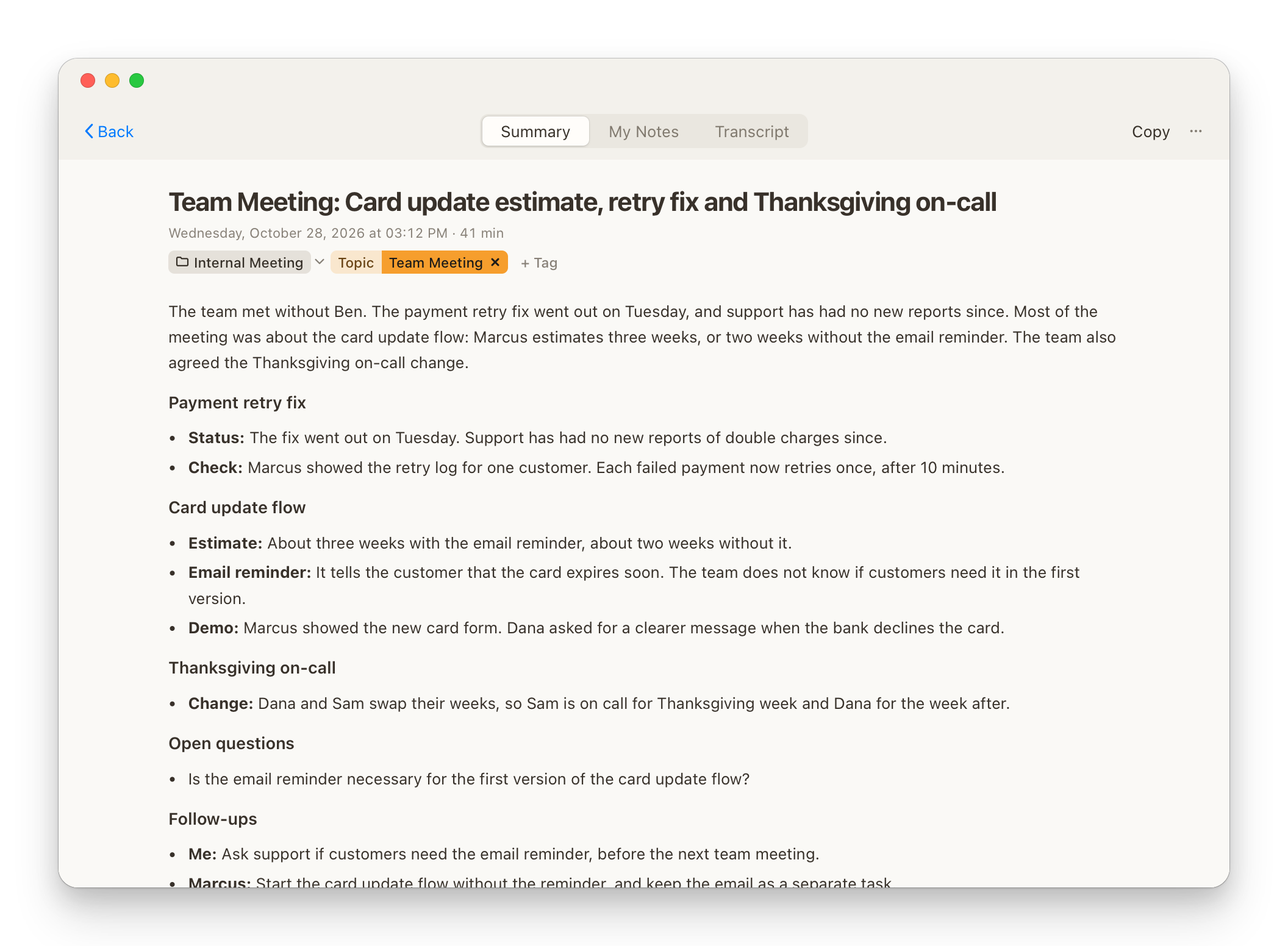
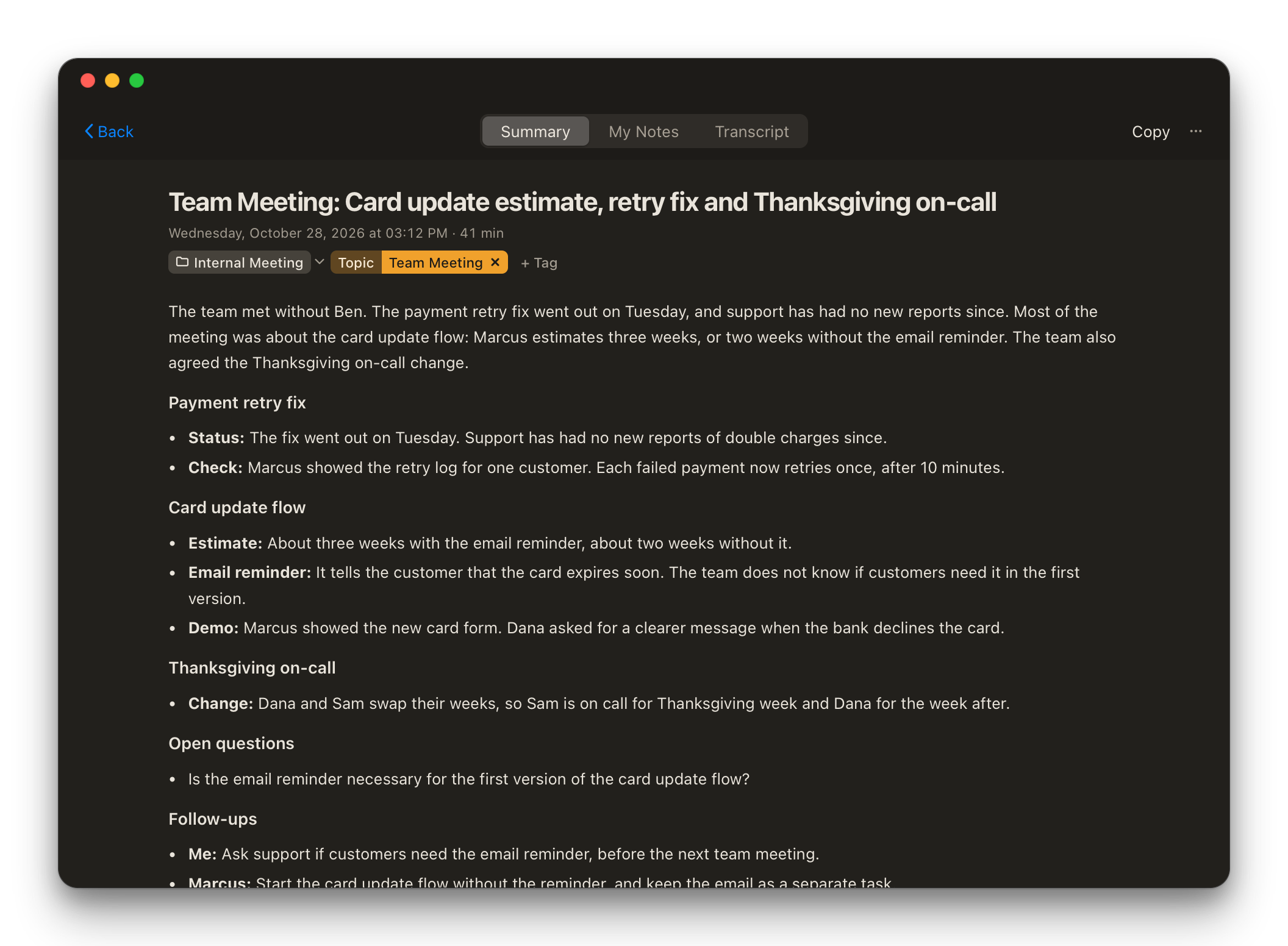
When you stop, Longhand transcribes the audio on your computer and writes a summary from your notes and the transcript. Your notes and the transcript stay beside it, so you can check any detail.
Find any meeting again
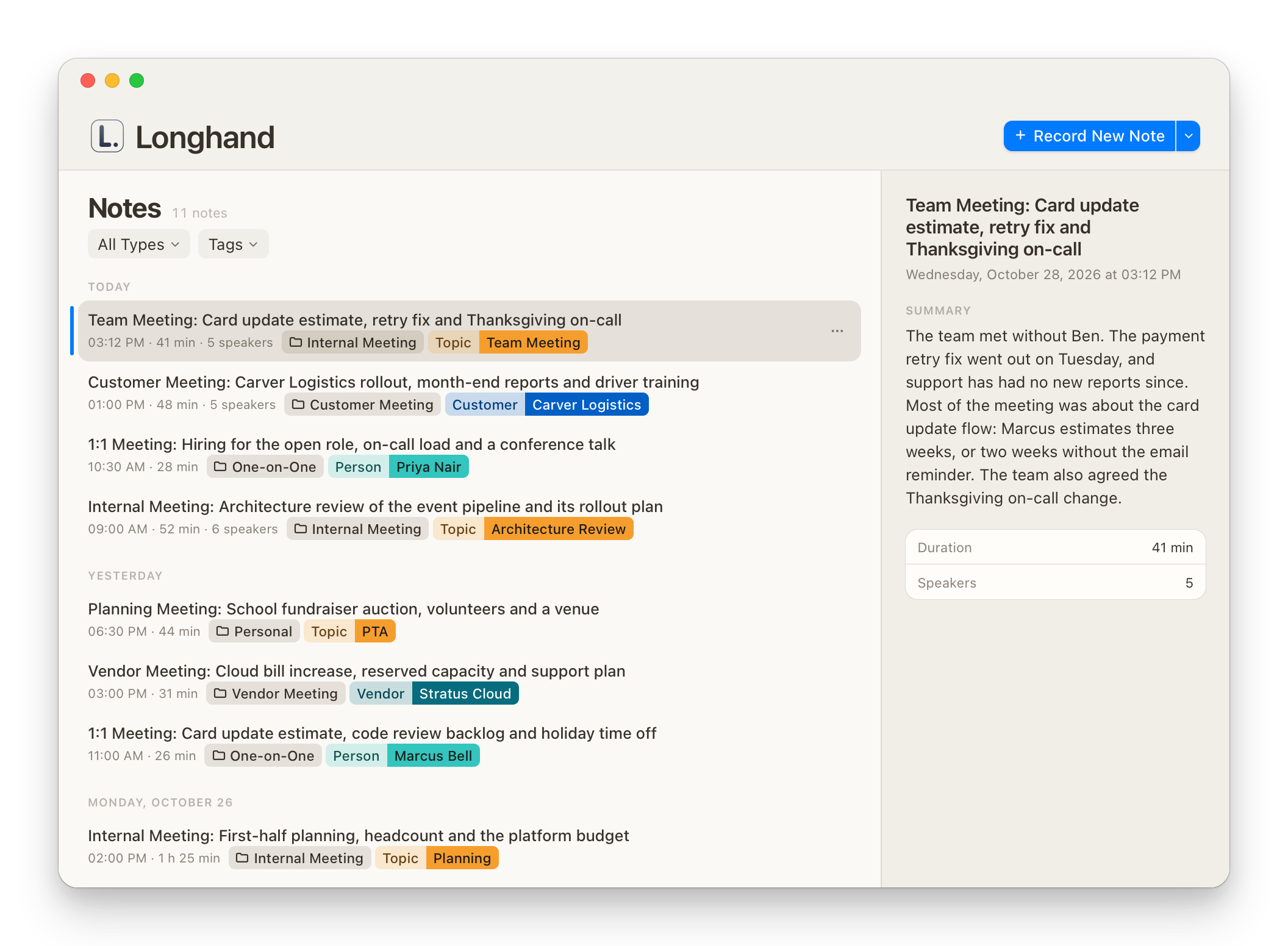
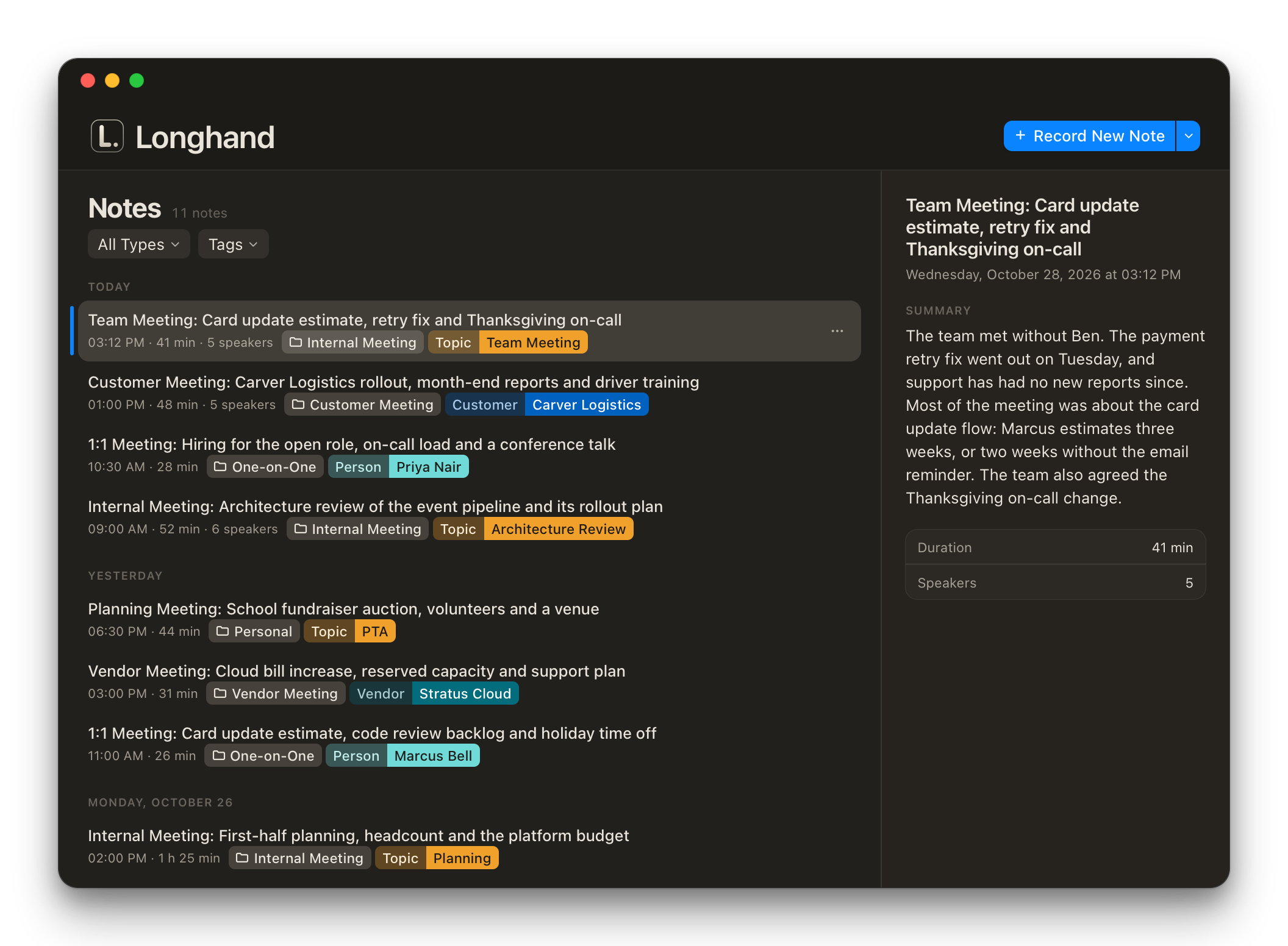
Each note has a type and tags, such as a person or a customer. Filter the list, and read a note's summary beside it without opening it.
Try Longhand in your next meeting.